Open: Manual Mode → Sales → Documents / Ledger
Before you begin
Prepare the customer details, invoice date and reference, goods or services, quantities, prices and applicable tax treatment. Create missing masters first.
Practise in a test company first. Check the active company and your permissions. Available options depend on your plan, role and platform.
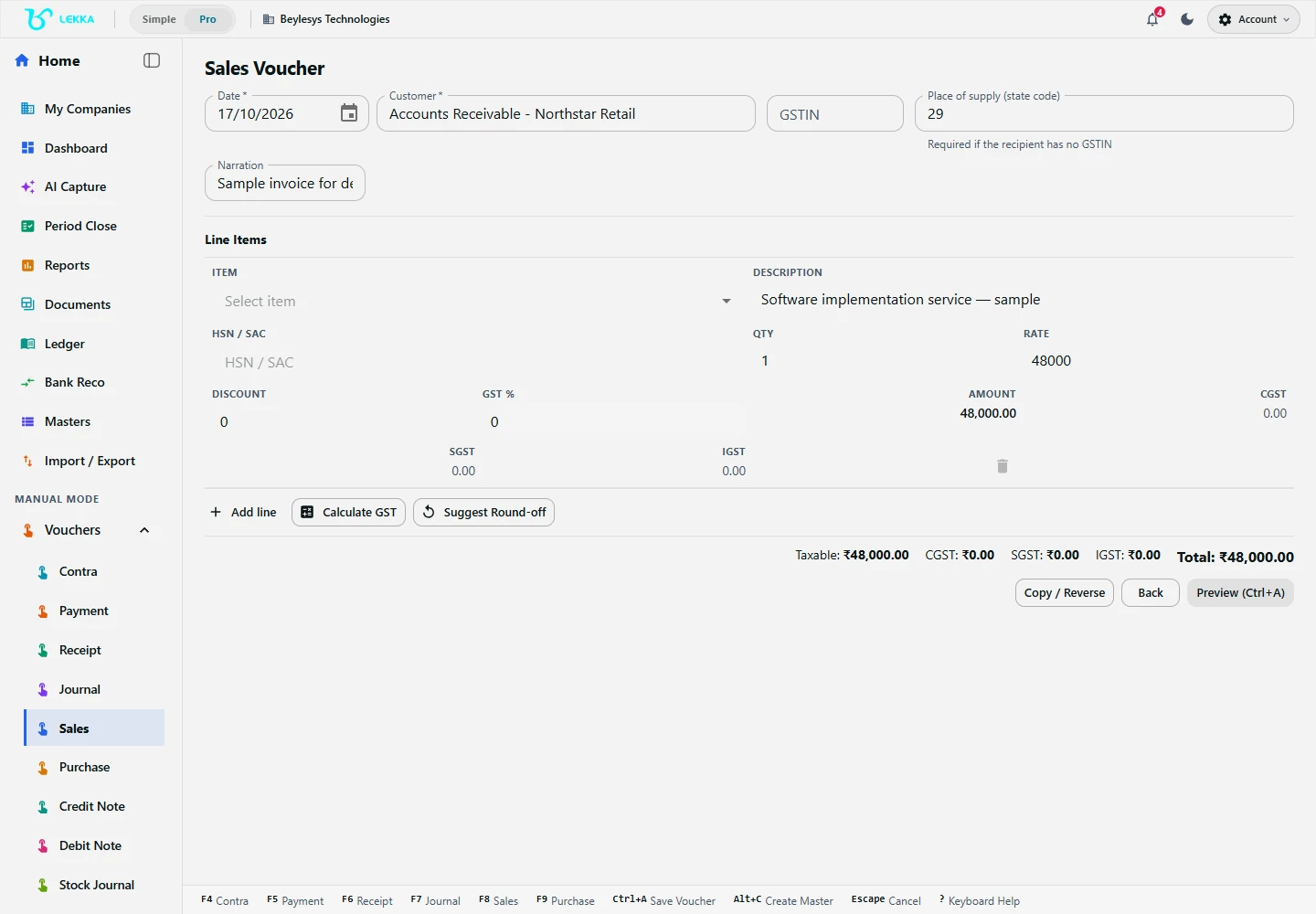
A sample service invoice draft with a customer, description, quantity and rate. This example has no GST and has not been posted.
Beylesys Technologies · local test company · sample records- 01
Check the active company, switch to Manual Mode and open Sales.
- 02
Enter the date, customer and invoice details. Select the intended customer record rather than creating a duplicate.
- 03
Add goods or service lines with quantities, units, rates and applicable tax details. Check any suggested HSN/SAC classification before applying it.
- 04
Review discounts, GST breakdown, rounding and invoice total. Check whether the sale is outstanding or already settled.
- 05
Use Save or Preview as offered, inspect the accounting lines, then complete the final confirmation. Return to editing and regenerate the preview if a correction is needed.
- 06
Open the saved invoice in Documents and inspect its print or download output. Verify the customer ledger; record a later customer payment separately as a Receipt.
Check your result
The invoice total and customer outstanding balance agree.
If something doesn’t look right
Check item units and tax configuration if totals differ. Recording an invoice does not collect payment.
Contact support →