Follow stock from receipt to return.
Goods come in, move between godowns, go out with invoices, and sometimes come back. Every movement updates the accounts too — so quantities, values and ledgers always agree.
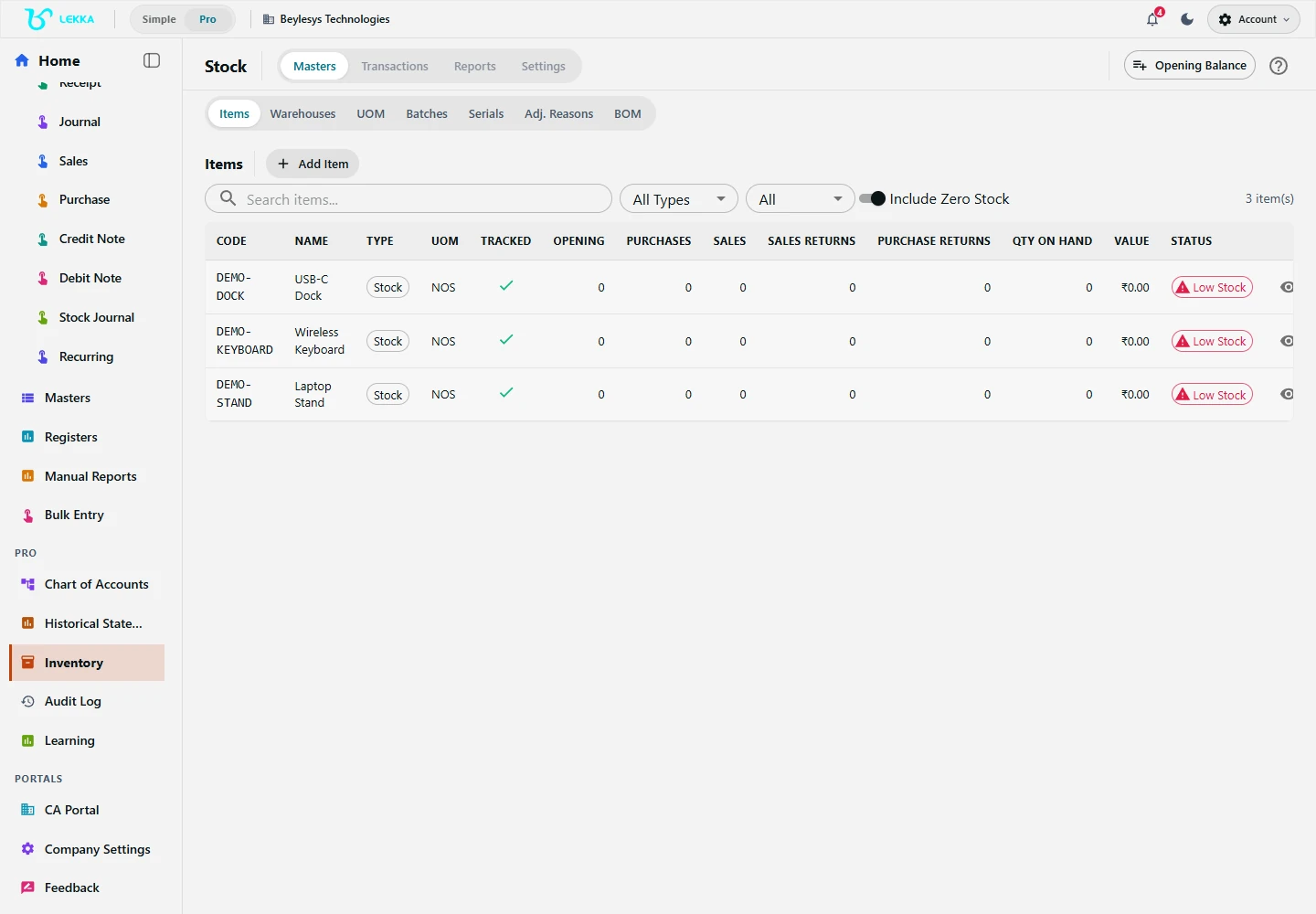
Manage the stock items used in your inventory records.
Beylesys Technologies · local test company · sample recordsStock and accounts stop disagreeing
Goods and money move together
Receipts, dispatches, transfers and returns update both quantities and the accounting behind them. No separate stock register to reconcile.
Every batch has a history
Batches with FEFO for perishables, serial numbers for electronics and warranty goods — follow an item from supplier to customer.
Stock decisions from real data
Stock position, movement detail and ABC/XYZ classification come from live entries, not month-end exports.
The life of a batch of goods
Set up items properly
Create the item with its unit of measure, costing method, and tracking mode — none, batch or serial.
Record the receipt
A goods receipt note (GRN) captures quantity, batch and warehouse, and links to the purchase bill when it arrives.
Sell and dispatch
The delivery challan records what left which godown; the sales invoice draws the same stock down.
Transfer and adjust
Move stock between warehouses with a transfer voucher; corrections carry a reason, so balances stay explainable.
Handle returns
Sales and purchase returns update quantities and ledgers together, linked to their original documents.
What's included
From the item master to the analytics view.
Items and units of measure, with opening stock quantities and values
Multiple warehouses with location-wise stock position
Batch tracking with FEFO expiry handling and serial-number tracking
Goods receipt notes and delivery challans as stock documents
Warehouse transfers with in-transit visibility
Sales and purchase returns linked to their invoices
Stock adjustments with reasons and resulting balance checks
ABC/XYZ classification, movement detail and ageing analytics
WAVG, FIFO and LIFO costing on item masters
Bill of materials and production orders for basic manufacturing
Two godowns, one truthful stock position
How a transfer between Bhiwandi and Andheri stays clean.
- 1
Bhiwandi raises a transfer for 200 m of Cotton Fabric 44" to the Andheri store.
- 2
The batch (B-118) travels with the quantity — FEFO order is preserved at the destination.
- 3
While in transit, the stock shows as “in transit” in both locations’ reports.
- 4
Andheri confirms receipt; quantities and values settle in both warehouses and the stock ledger.
Result: one movement, two locations updated, and a valuation that still ties to the books.
FAQ's
Yes — batch tracking supports FEFO expiry handling, and serial-number tracking covers individually identified items.
Basic bill-of-materials and production orders are included — components in, finished goods out. It is not a full manufacturing ERP with shop-floor planning.
Yes. Sales and purchase returns are linked to their original documents and update both quantities and ledgers.
Stock you can actually trust.
Explore the workflow, set up your first item and warehouse, and watch the position stay right through a full receipt-to-return cycle.