Start with a sentence or a bill.
Describe a transaction in plain English or Hindi, dictate it hands-free, or upload a purchase bill. Beyle Lekka drafts a proper double-entry voucher — you review the draft and confirm before anything touches your books.
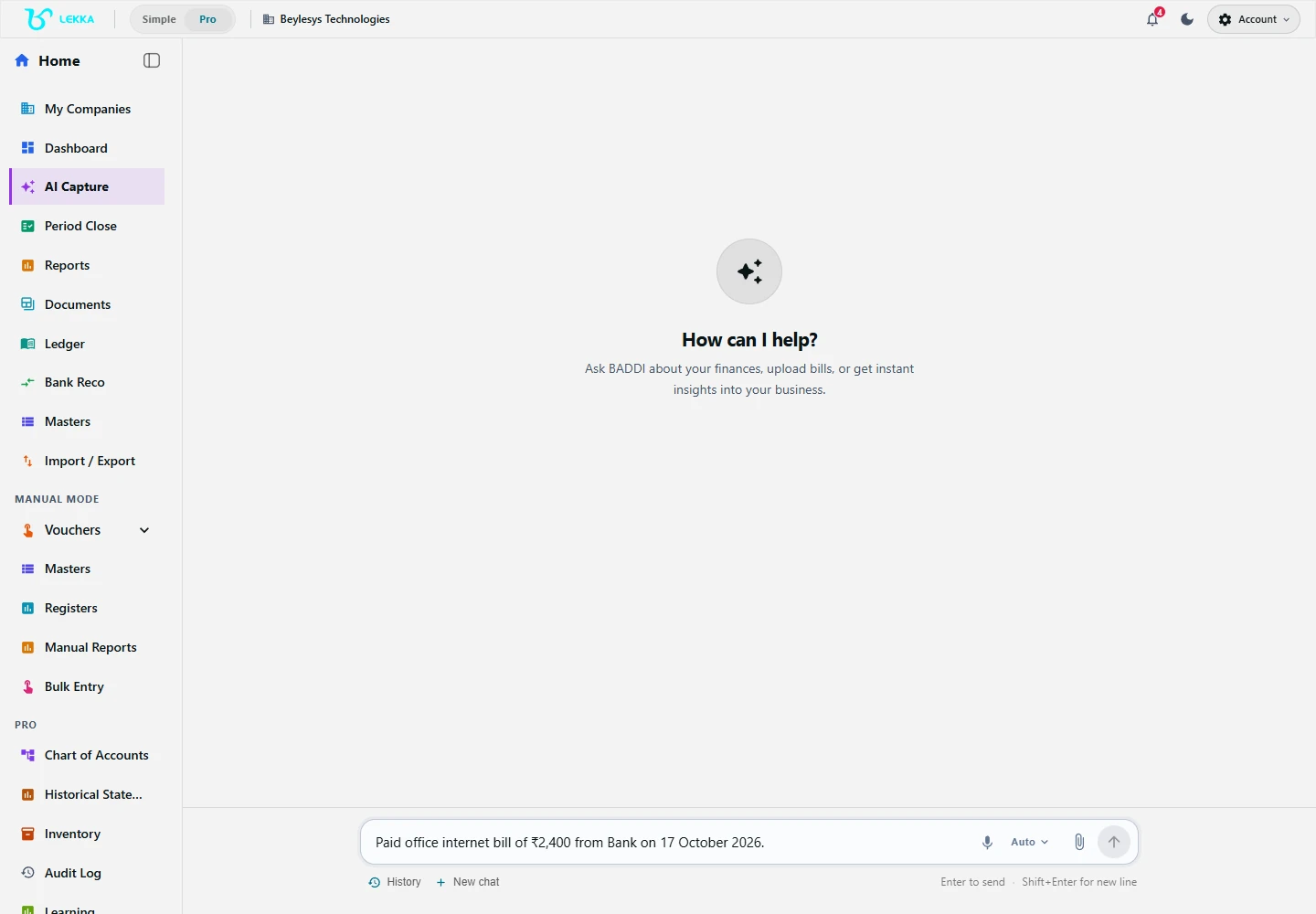
Capture is where you describe a transaction or provide a document to begin a draft.
Beylesys Technologies · local test company · sample recordsQuick to capture, careful to post
No accounting vocabulary needed
Type what happened, such as "paid rent ₹25,000 from HDFC". Lekka suggests an accounting entry, called a voucher, for review. Check the accounts and any applicable tax treatment with your accountant.
Nothing posts without your review
Every draft shows the exact debit and credit lines, taxes and narration before posting. Missing details become clarifying questions, not silent guesses.
Use your existing business records
Suggested customers, suppliers, accounts and stock items are matched against your company records. Review the match and correct it when needed.
From words to posted voucher
Type, speak or upload
Enter a sentence in English or Hindi, dictate with the mic button, or drop in a PDF/JPG bill or a bank statement file.
Fill in missing details
If something is ambiguous — which party, which account, GST inclusive or exclusive — the AI asks a short question instead of guessing.
Review the draft journal
Check the date, party, amounts, accounts and tax details. Use the available edit or clarification controls to correct the draft before confirming.
Confirm and trace
Confirm the reviewed draft. Posting checks run before the entry is saved. Find the saved voucher in your ledger and the relevant register.
What's included
Three ways in, one reviewed voucher out.
Natural-language entry in English and Hindi, typed or dictated
Document capture for bills, invoices, receipts and bank statements (PDF, JPG, PNG, CSV)
OCR reading English, Hindi, Kannada and Gujarati documents
Semantic matching of parties, ledgers and stock items against your masters
GST split (CGST/SGST/IGST), TDS section checks and ITC flags on the draft
Duplicate-invoice and missing-number detection on uploaded documents
Clarifying questions and draft corrections before confirmation
Manual voucher entry when you prefer to enter the details yourself
From supplier bill to a reviewed purchase entry
How a supplier bill becomes a reviewed purchase voucher with GST handled.
- 1
Upload the supplier PDF bill and check the extracted supplier name, GSTIN, line items and tax amounts against the original.
- 2
The draft voucher appears: purchase account, party ledger, input CGST/SGST, and a duplicate-bill check against March invoices.
- 3
Review the suggested accounts and input-tax-credit treatment with your accountant; answer any clarification requests.
- 4
Confirm. The voucher posts, the document is filed in the document library, and the party ledger shows the payable.
Result: a saved purchase entry with its supporting document and supplier balance, ready for your accounting and tax review.
FAQ's
Correct the draft using its edit or clarification controls before confirming. For a saved entry, use the permitted correction workflow and review its audit history; closed periods may restrict changes.
Type or dictate in English or Hindi. Document OCR additionally reads Kannada and Gujarati. The books themselves are always kept in standard accounting English.
AI access depends on your subscription and available AI budget. Check Billing and Usage for your allowance and available top-ups. Manual voucher entry does not use AI capture credits.
Type your first transaction. See the draft.
Explore the workflow and capture a real expense in your own words — review the journal it drafts before anything posts.