Open: Masters → Party / Accounts / Opening Balance
Before you begin
Prepare an agreed opening Trial Balance, outstanding customer and supplier list, and cutover date. Inventory opening quantities are entered separately.
Practise in a test company first. Check the active company and your permissions. Available options depend on your plan, role and platform.
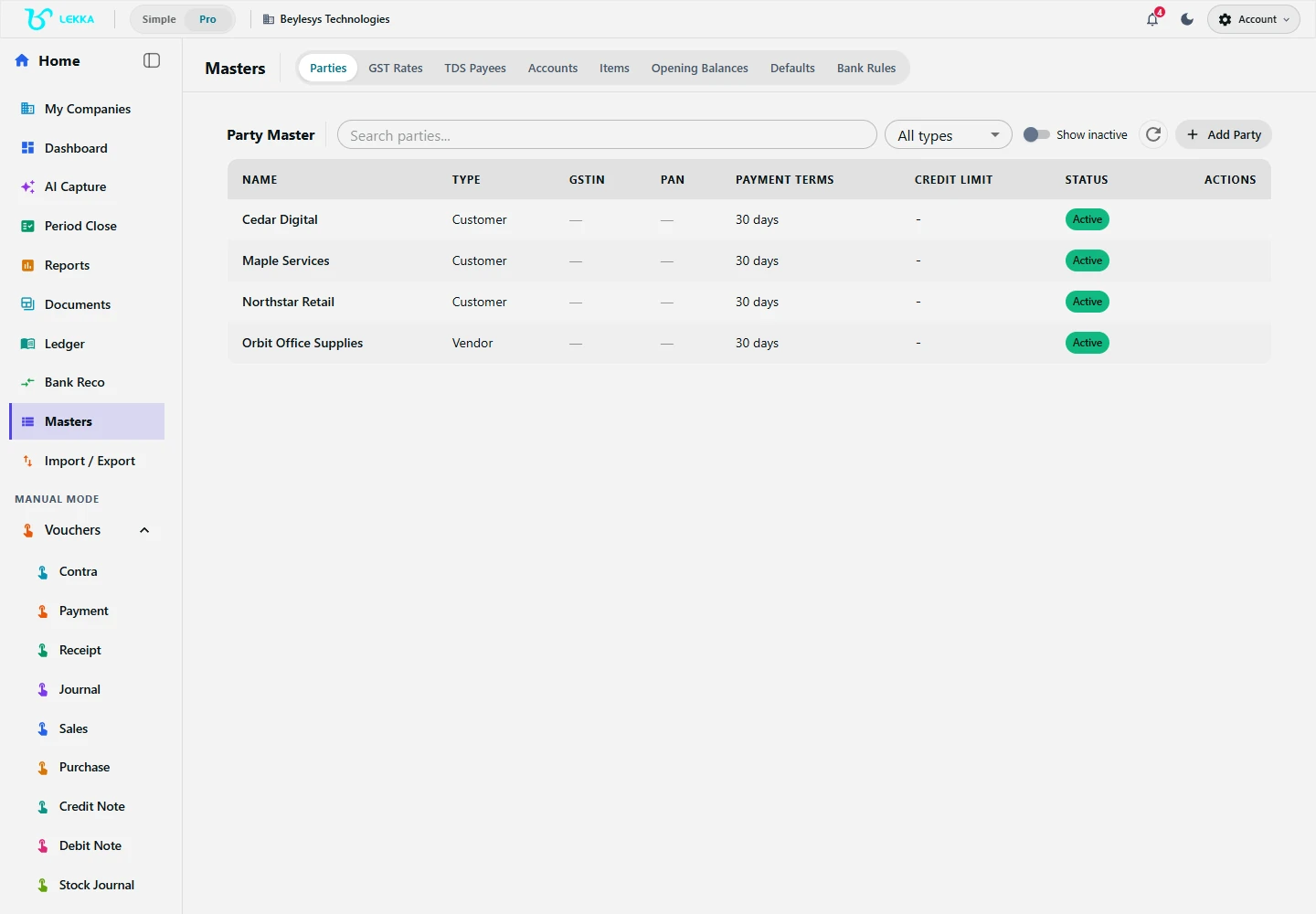
Set up the customer and supplier details that your transactions refer to.
Beylesys Technologies · local test company · sample records- 01
Open the intended company. In Masters → Party, create or review each customer and supplier, including tax details and payment terms where relevant.
- 02
Open Masters → Accounts or Chart of Accounts in Pro mode. Review account names and classifications before adding accounts that do not already exist.
- 03
Open Masters → Opening Balance and set the agreed opening date. Enter each account balance with the correct debit or credit direction.
- 04
Include customer and supplier opening balances consistently with the source books. If an import already created opening journals, do not enter the same amounts again.
- 05
For stock, create units, warehouses and items in Inventory, then use its opening-balance workflow for quantities and values. Check the full opening-stock list before submitting: the wizard does not allow submitted opening balances to be modified.
- 06
Save and open Reports → Trial Balance for the opening date. Compare every balance and the debit/credit totals with your source; resolve differences before current-period entry.
Check your result
Opening balances agree with the source Trial Balance.
If something doesn’t look right
Check debit/credit direction, duplicate parties and the cutover date before changing a balance.
Contact support →