Open: Pro mode → Inventory → Masters / Transactions / Position
Before you begin
Prepare item units, warehouses, opening quantities and source documents. Decide whether a linked purchase or sale already records the stock movement.
Practise in a test company first. Check the active company and your permissions. Available options depend on your plan, role and platform.
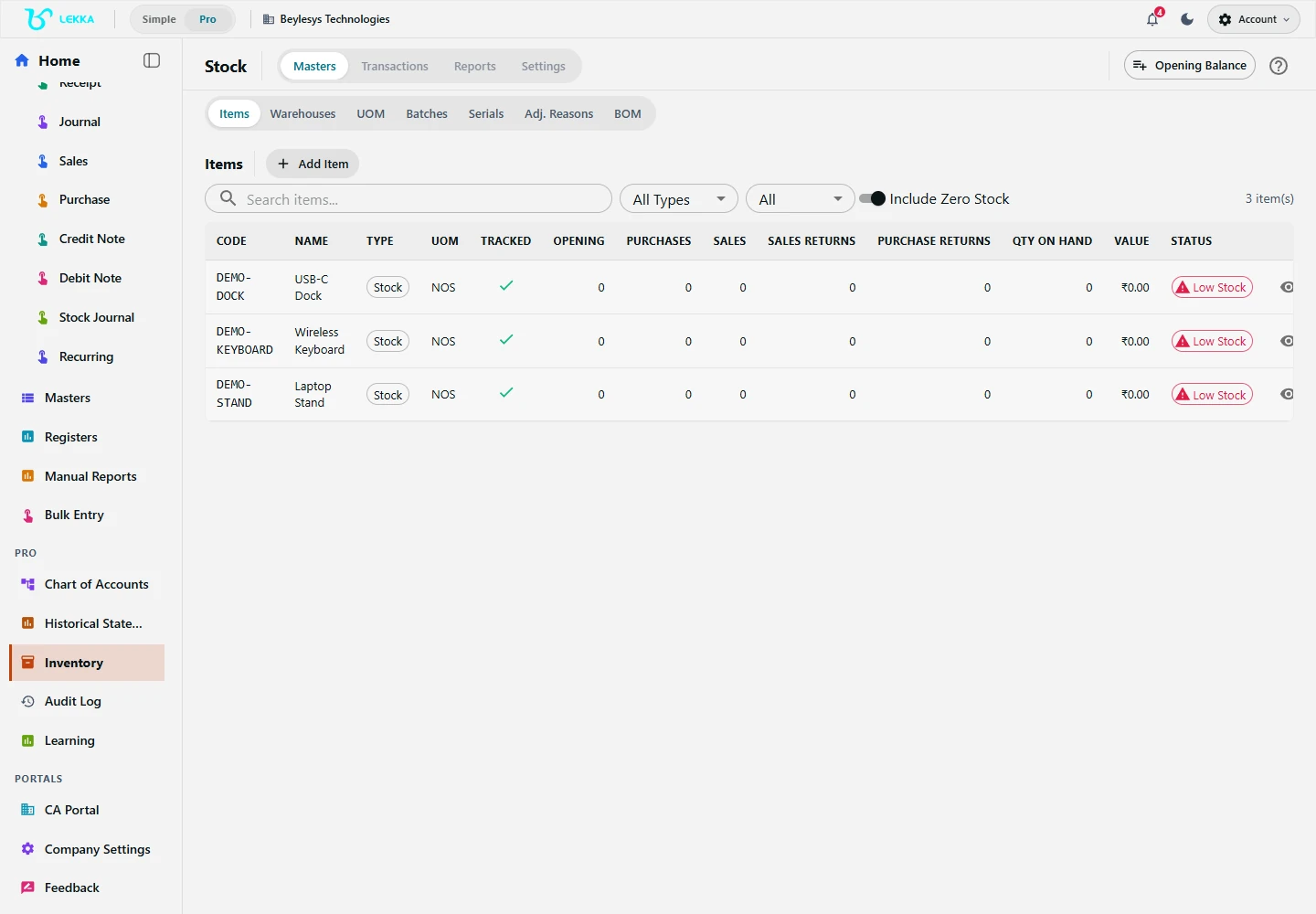
Manage the stock items used in your inventory records.
Beylesys Technologies · local test company · sample records- 01
Switch to Pro mode and open Inventory. Review Configuration, including the stock policies appropriate to the business.
- 02
Create units in UOM and locations in Warehouses. Create Items with the correct units and tracking details; use batches or serials only when required.
- 03
Use the inventory opening-balance workflow for existing stock at the cutover date. Check the full list, locations, quantities and values before submitting: the wizard does not allow submitted opening balances to be modified.
- 04
Choose the transaction matching the physical movement: GRN for goods received, Challans for dispatch, Transfers between warehouses or Returns for returned goods.
- 05
Enter the source reference, items, quantities and locations. Review the document and complete its available confirmation, dispatch or receipt action for the actual stage of the movement.
- 06
Open Position and filter by item and warehouse. Compare quantities with the expected movement and inspect transaction history when a balance differs.
Check your result
Location quantities reflect the recorded movement.
If something doesn’t look right
Check units, dates and warehouse selection when quantities differ. Advanced tracking depends on your workspace.
Contact support →