Review the period before you close it.
Bring open questions, bank differences and corrections into one review before locking a period — and keep a clear record of who signed off and what changed after.
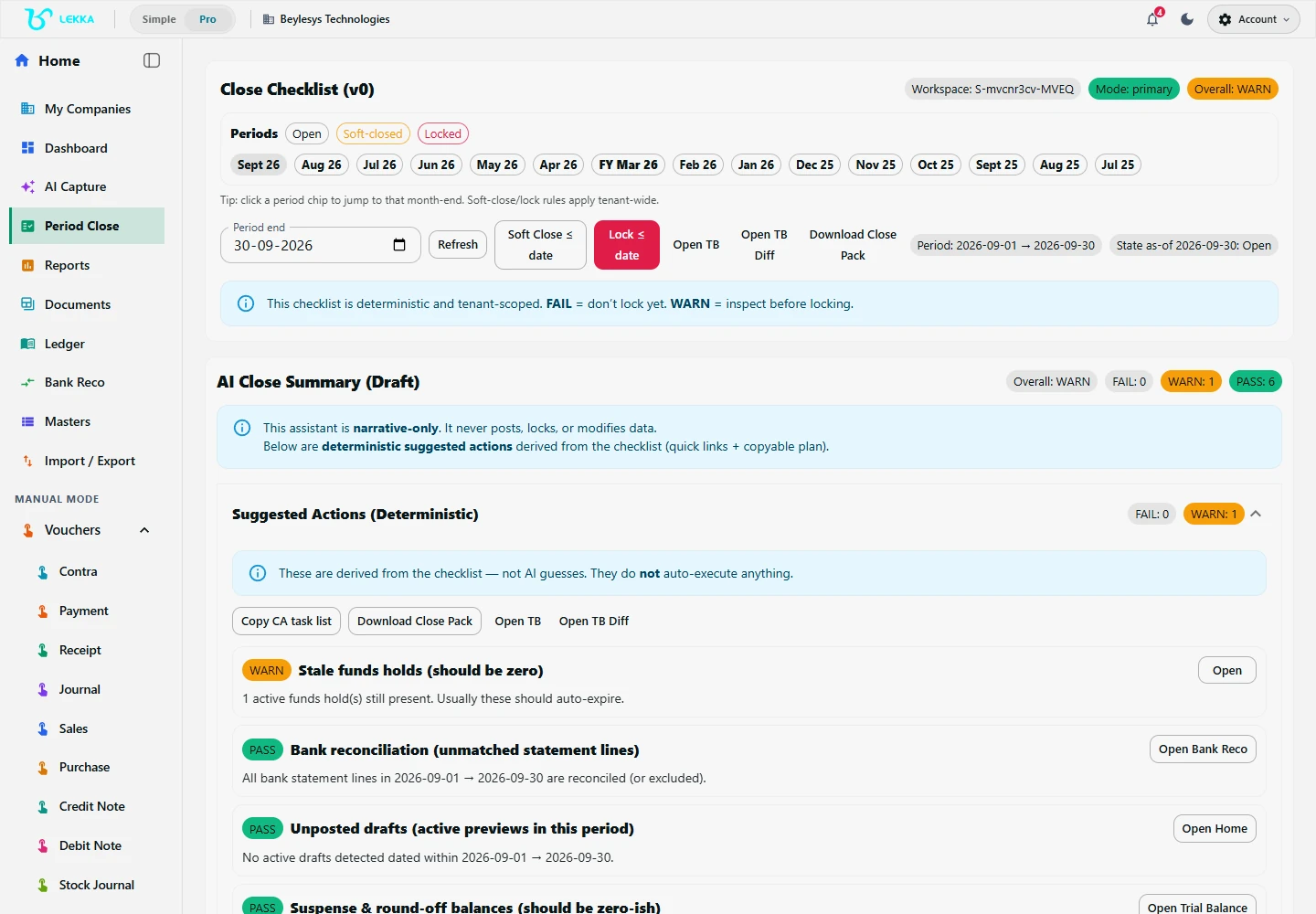
Review period controls as part of your accountant-led closing workflow.
Beylesys Technologies · local test company · sample recordsHow the workflow runs
Nothing hides at month-end
Unmatched entries and open questions surface before reports go out.
One person owns the close
The responsible accountant stays in the loop on every close decision.
Corrections stay visible
Fixes go in as proper corrections with history, never silent overwrites.
Step by step
Check
Look over the period and anything still open.
Resolve
Fix or document each item with your reviewer.
Close
Lock the period and keep the review notes on record.
What's included
Run the close checklist and resolve review findings.
Create fixed assets, preview depreciation and post the reviewed entries.
Review physical stock counts, closing stock and adjustment journals.
Save close notes and download the close pack.
Soft-close or lock a period where your permissions allow.
Filter audit history and inspect the source record.
FAQ's
Yes — explore actual product screenshots from our Beylesys Technologies test company. Book a live demo to walk through your specific workflow.
See it on your own books.
Get the Windows app from Microsoft Store and follow the guide for your workflow.