Open: Bank Reco → Auto-Match → Selected → Batch Confirm
Before you begin
Have the bank’s CSV statement and matching bank ledger. Agree the statement date range and check for an earlier import of the same data.
Practise in a test company first. Check the active company and your permissions. Available options depend on your plan, role and platform.
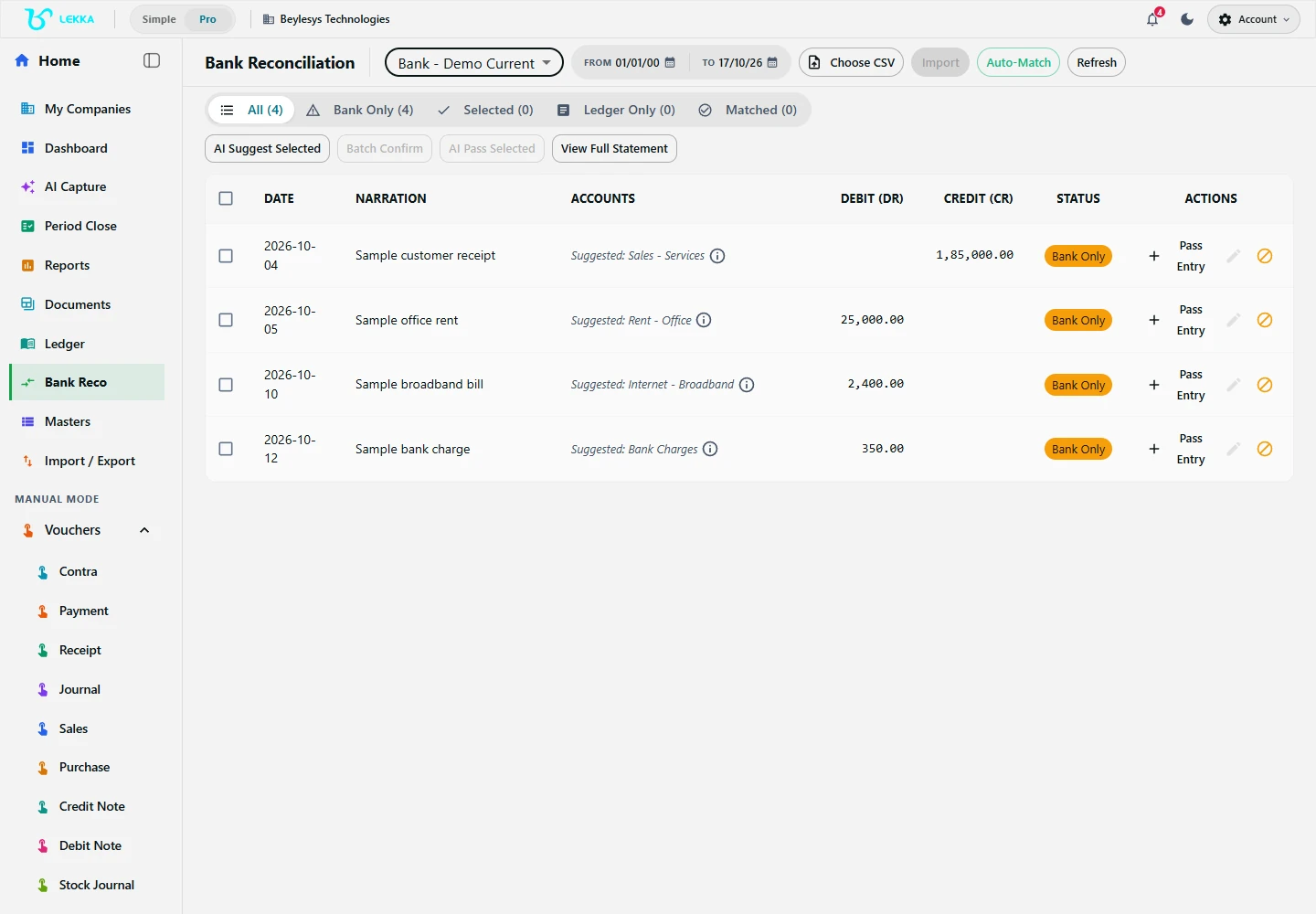
Bank reconciliation is a separate review step: bring in a statement and check its lines against your books.
Beylesys Technologies · local test company · sample records- 01
Open Bank Reco, select the correct bank account and set From and To dates.
- 02
Use the statement-import control to select the bank CSV. Complete requested mapping or validation, then compare the loaded line count and totals with the source statement.
- 03
Select Auto-Match, then open Selected. Review the amount, date, direction, narration and reference of each suggested pair.
- 04
Remove unsuitable suggestions. For an unmatched line with an existing book entry, use the manual match control and select that entry.
- 05
For a Bank Only line genuinely missing from the books, review the create-voucher proposal, including account, party and tax details. Correct the preview before confirmation.
- 06
Open Batch Confirm and review the selected actions before confirming. Inspect the results and check that confirmed lines move to Matched.
- 07
Investigate remaining Bank Only and Ledger Only lines, including timing differences and bank charges. Keep unresolved items for follow-up instead of duplicating their entries.
Check your result
Every line has a checked match or a clear note of what still needs attention.
If something doesn’t look right
Avoid re-importing the same period to fix a mismatch. Check duplicate entries, timing differences and bank charges first.
Contact support →