Your team. Your companies. One login.
Bring your accountant, team or CA into the books you work on. Each company has its own workspace, and you choose what each person can see and do.
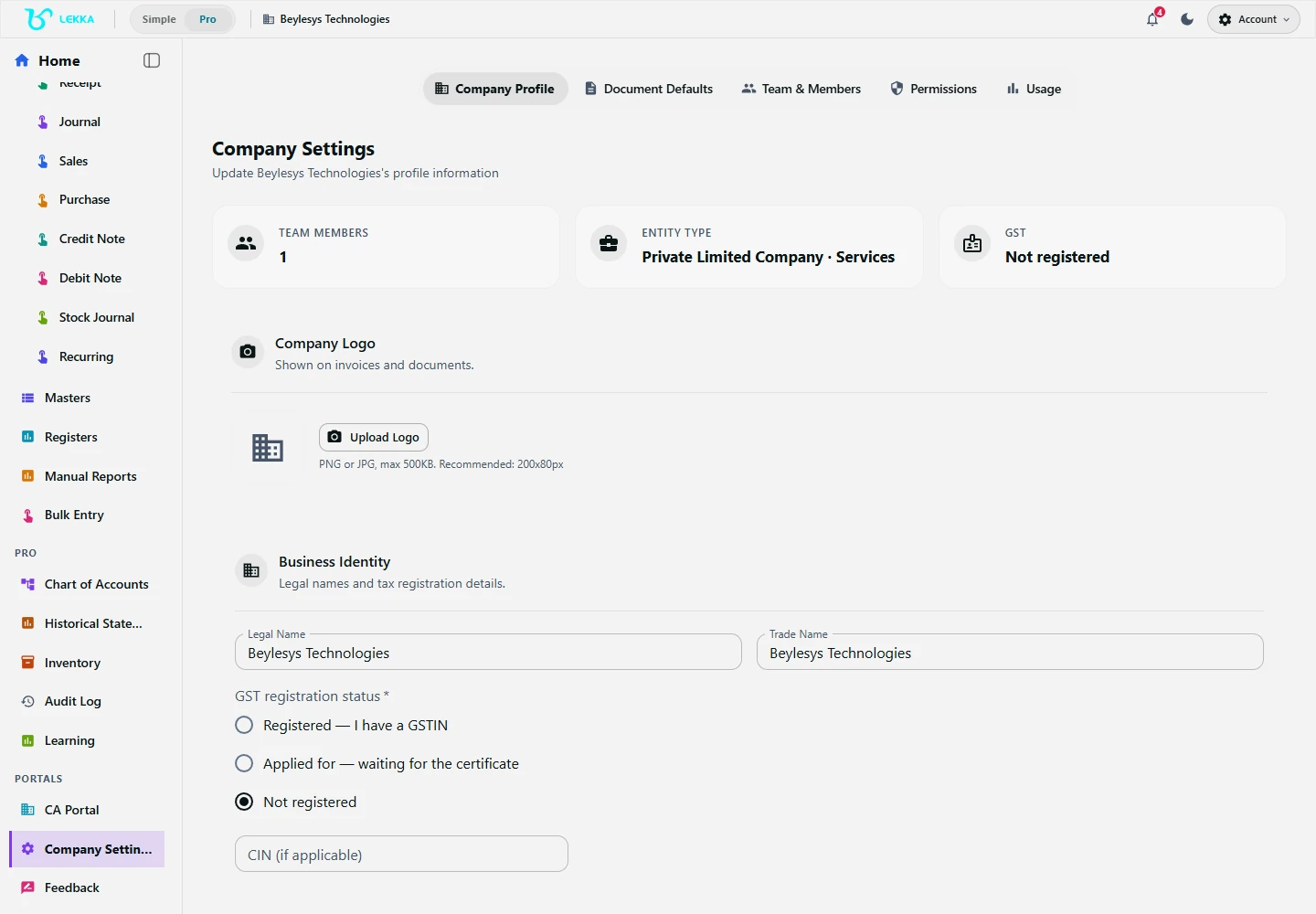
Review your company setup before entering day-to-day transactions.
Beylesys Technologies · local test company · sample recordsAccess that matches responsibility
Everyone gets their own login
Give each person the access their work needs: viewing, entry, review, billing or invitations. Set it separately for each company.
Companies stay separate
Switch between businesses in one click. Each has its own books, members and settings, so you always know which company you are working in.
Your CA works alongside you
Invite your CA to the live books with read-only, close-only or full access. They can keep review notes and sign-offs with the work.
Invite someone in four steps
Invite by email
Send an invitation to a colleague, accountant or CA — they accept with their own login.
Assign the role
Choose what they can view, enter, review or manage. Access applies to the company you select.
They get to work
Your colleague signs in on web or desktop and sees the records and actions their role allows.
Review the trail
Use the audit log to see who changed a record, when they changed it and which company it belongs to.
What's included
Keep companies and responsibilities clear.
Single-user single-company through multi-user multi-company workspaces
Email invitations with accept flow and per-company membership
Role-based permissions: view, enter, review, billing and invite rights
One-click company switching with clear workspace boundaries
Advisor access for CAs: read-only, close-only or full
CA client workspaces with partner/staff role separation
Audit log across every company and member action
Period-close and lock controls tied to reviewer roles
One owner, three businesses, one login
See how an owner shares three companies with an accountant, a CA and a new colleague.
- 1
The owner opens the company switcher: Acme Traders, Sharma & Co, Kiran Textiles — three separate workspaces.
- 2
In Acme Traders, the accountant has full access; in Sharma & Co, only entry rights; in Kiran Textiles, nothing yet.
- 3
The CA holds close-only access in all three — enough to review and lock periods, not to post.
- 4
An invitation brings a new staff member into Kiran Textiles with read-only access to start.
Result: everyone has their own login, access to the right companies and a clear record of their work.
FAQ's
Yes — each company is a separate workspace with its own books and users, switchable in one click. Reports stay per company; there are no consolidated group statements.
The desktop app surfaces sync conflicts for review instead of silently overwriting, and the audit log records every change either way.
Only the owner role can manage plans, credits and payment details.
Right people. Right access.
Explore the workflow and bring your accountant or CA into your workspace. Choose their access and work from the same books.